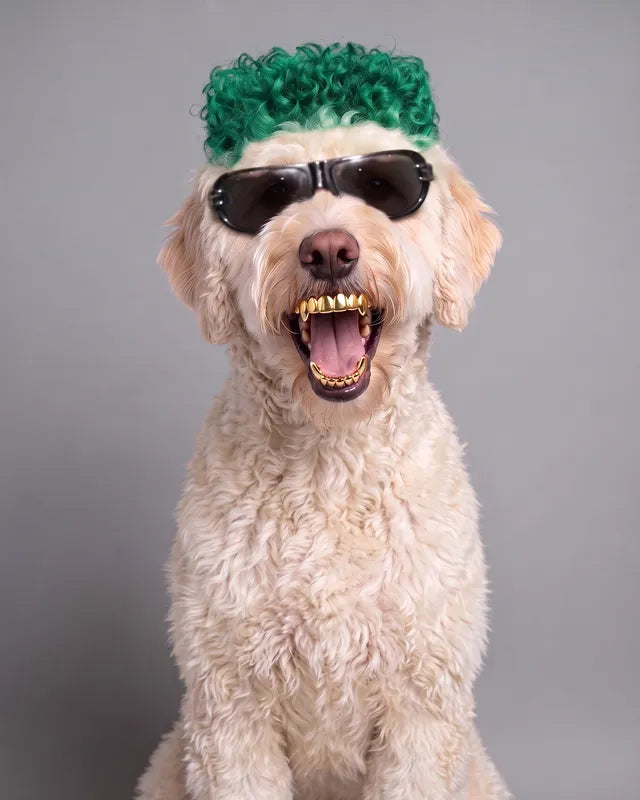
Boss
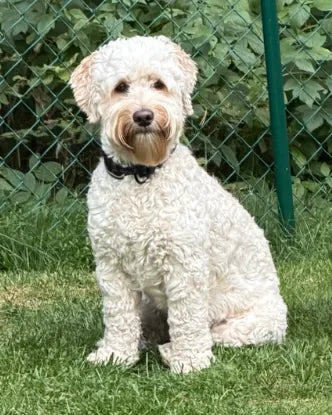
The calm one
The Pet Influencer Playbook
The exact methods behind every Biggie & Boss clip, which tools to use, and what each video really costs. One PDF, written for complete beginners.
Made by the creators of Biggie & Boss, @biggieandboss on TikTok and Instagram. Every clip on this page was made with the methods inside.
Proof, not promises
Biggie and Boss are our two labradoodles. We swap them into clips like these with the motion transfer method from chapter 3, then post them on our feed.
Boss on the mic
Biggie counting cash
Cash in the back seat
Biggie at the slap table
Biggie skydives over Dubai
Boss on leg day
Boss pays at the checkout
Boss takes a shot
Swipe for more
Meet the real ones
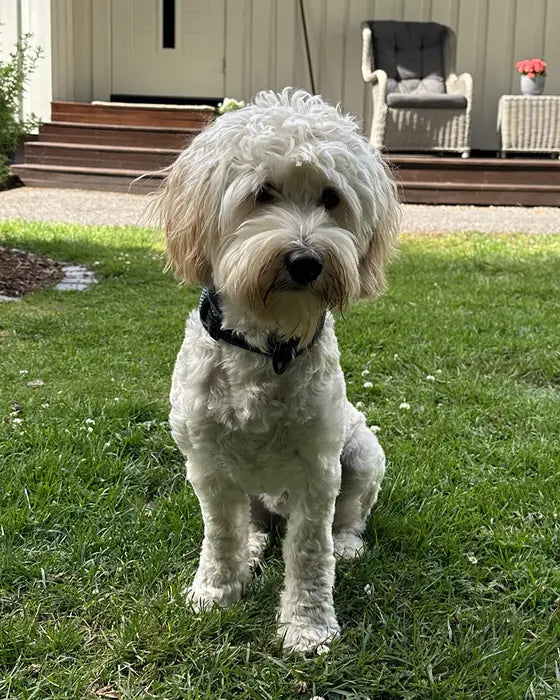
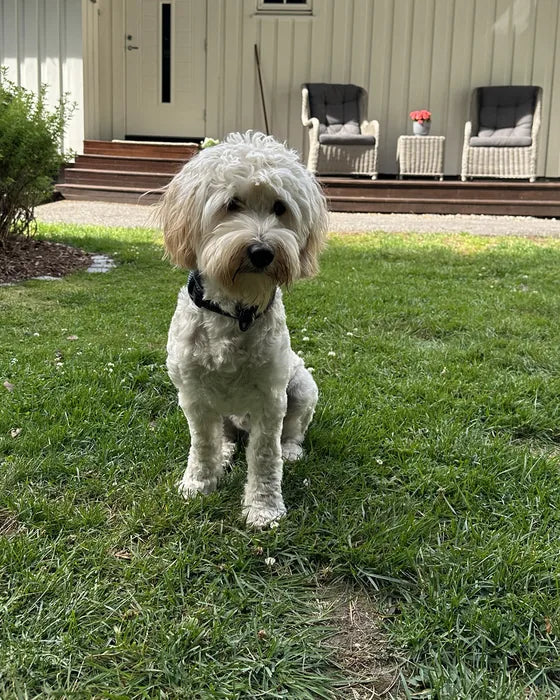
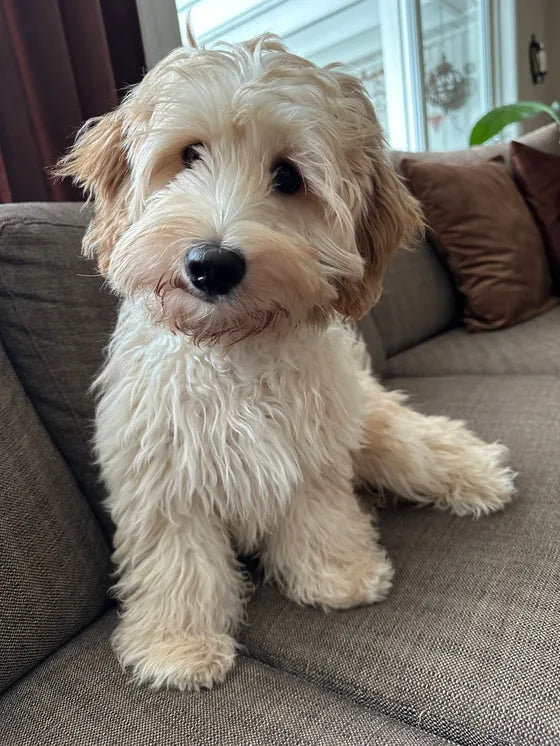
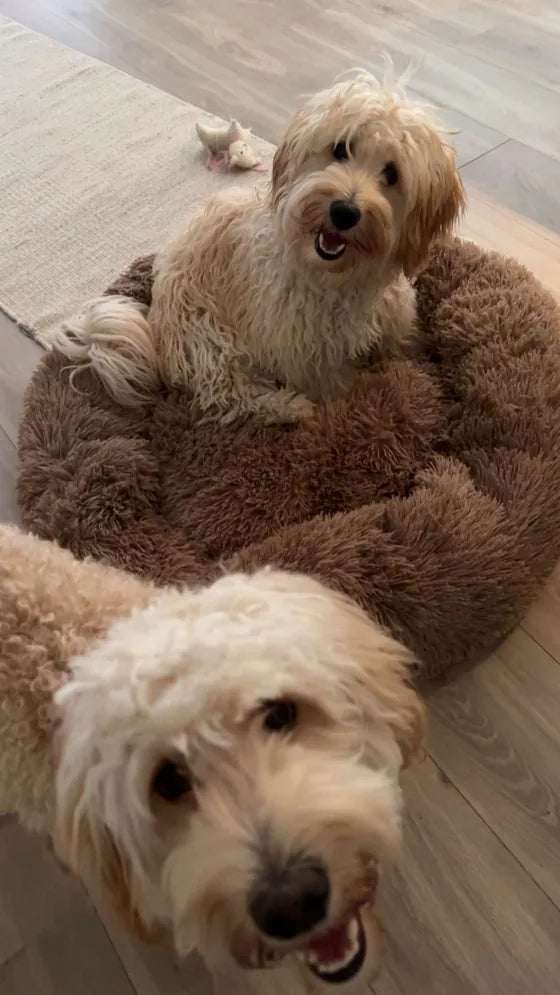
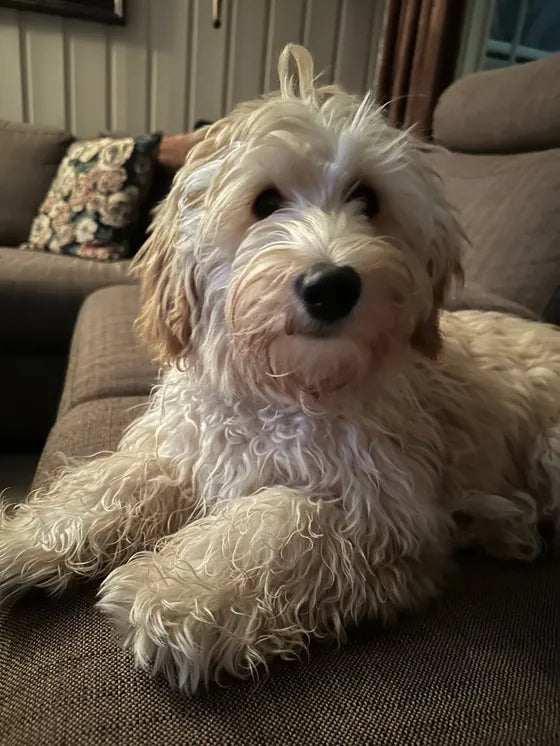
Every character starts from ordinary phone photos like these. Same dogs, same faces, plus a few signature details that make them recognisable in every clip.

The calm one
The chaotic one
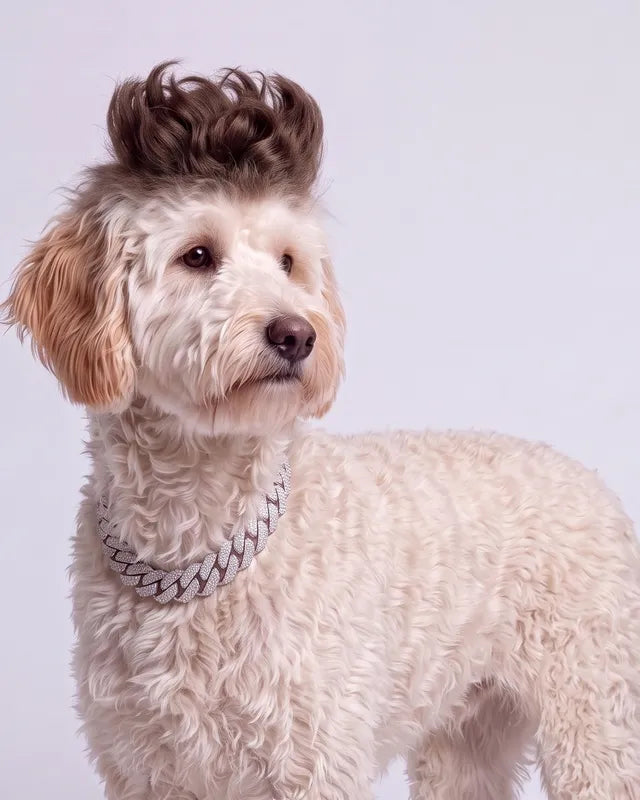
Straight from our camera roll
Your pet already has the face. This guide gives it the wardrobe, the moves and a budget that makes sense.
Why most AI pet videos flop
Without a locked character, your pet looks like a different dog in every video, and followers never connect with it.
The fix: chapter 1 builds a casting sheet from your own photos so the face stays put.
Wrong model, wrong settings, and fur that melts the second your pet starts to move.
The fix: chapter 3 shows which models handle fur and movement, with the settings we use.
It is easy to burn a full monthly plan on retries before a single clip is good enough to post.
The fix: our prompt templates get usable results in fewer attempts.
Pricing pages list credits, not what one finished ten second clip actually costs you.
The fix: chapter 7 prices every tool per month and per finished clip.
What's inside
Written in plain language, in the order you will actually do things. Start at chapter 1 tonight and you can post by the weekend.

Turn 15 to 25 phone photos into a character sheet, so your pet looks like your pet in every single clip.
Outfits, hair and accessories that read like a real fashion shoot. Includes our copy and paste prompt templates.
Image to video and motion transfer for dances, walks and driving shots, plus which models keep fur and faces stable.
Put your pet into new scenes and trending formats without a camera, plus the rights basics to know before you remix anything.
Music, sound effects and optional voices that make a clip feel real instead of uncanny.
Our editing workflow in CapCut, hooks for the first second, and how to label AI content on TikTok and Instagram the right way.
Every tool side by side: monthly price, cost per finished clip, and three budget paths from free to studio level.
A peek at real pages. 29 pages in total, readable on your phone.
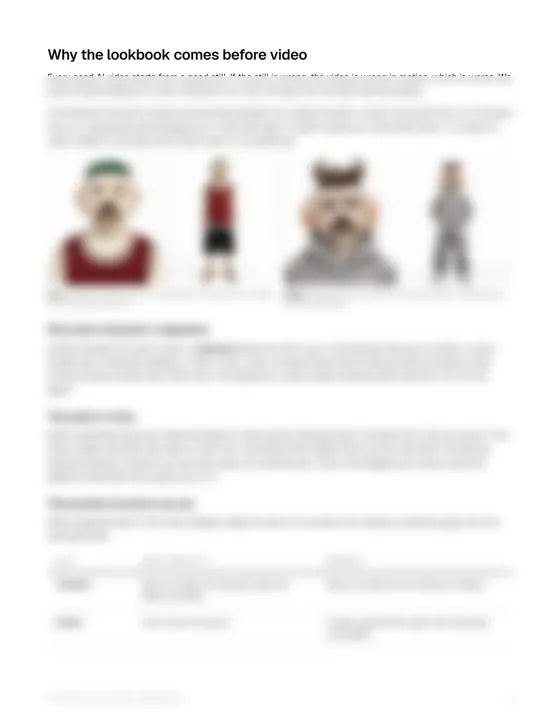
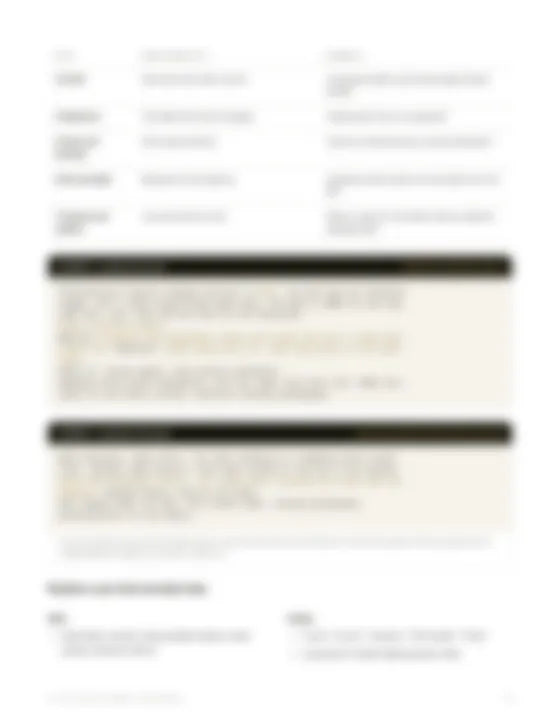
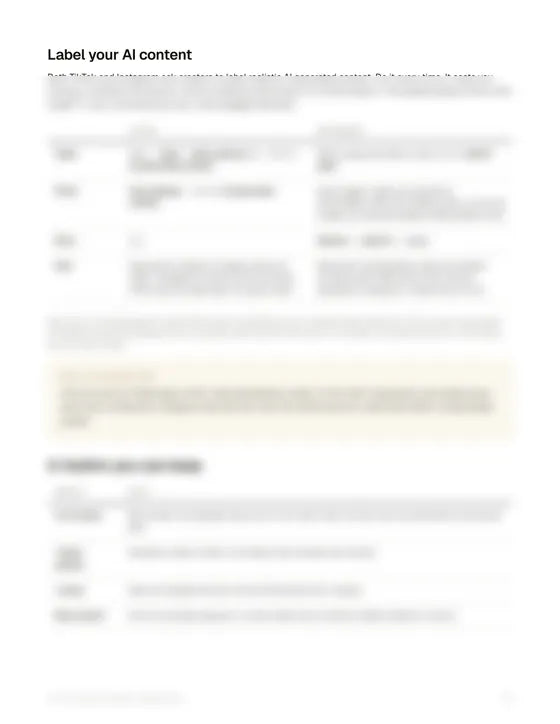
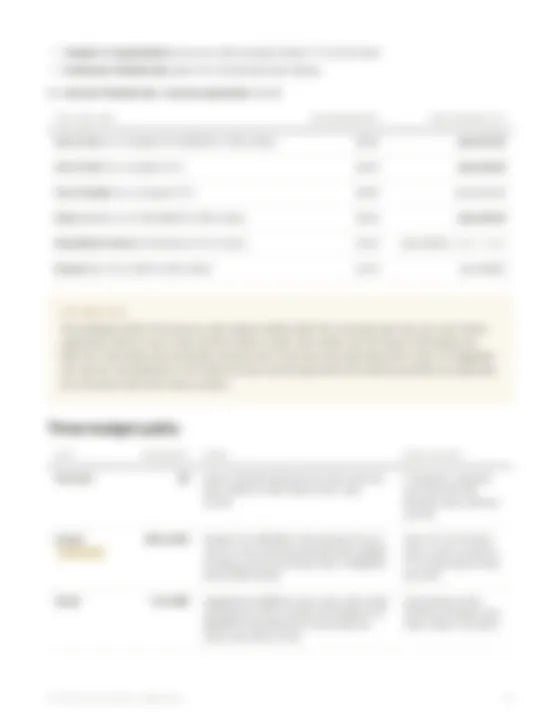
A preview of chapter 7
These are subscriptions to the AI tools, paid to them and not to us. The playbook itself is one payment of $39.
Free tiers. Enough for your first character and a test clip, with watermarks and slower queues.
$0
One image tool and one video tool. Enough to post every week, and where most people should begin.
$20 to $40a month
Top video models, motion transfer and scene swaps, for posting often.
From $80a month
Based on public pricing checked in October 2026. The playbook breaks it down tool by tool, including what one finished clip costs.
How it works
Pay once with PayPal or card. Your download link shows up on screen and in your inbox right away.
Follow chapter 1 with photos already on your phone. Plan one evening for it.
Pick your budget path from the cost map and publish your first video the same week.
Is it for you?
One payment. Yours to keep.
Secure Shopify checkout. Pay with PayPal or card.
Instant digital deliveryYour PDF is ready to download the moment you pay. Because it is a digital product, all sales are final. If your file does not arrive or will not open, email us and we will sort it out.
Questions
No. The playbook is written step by step for complete beginners. If you can post a TikTok, you can follow it.
Yes. Everything starts from photos of your own pet, so it works for cats, rabbits and other pets too. Clear, well lit photos give the best results.
You can start on free tiers and pay nothing. When you are ready, the cost map shows three budget paths with real monthly prices, so you know what you will spend before you pay for anything.
The image and video tools we actually use, including Higgsfield, Kling, Google Veo and Nano Banana, plus CapCut for editing. Each one is compared on quality, price and what it does best.
Right after checkout you get a download link on screen and by email. It is a PDF, so it opens on your phone, tablet or computer.
Yes. Choose PayPal at checkout, or pay by card.
Yes, as long as you label it. Both platforms ask creators to mark realistic AI content, and chapter 6 shows exactly how to do it.
The playbook teaches the method first and the tool second, so you can swap one tool for another without starting over. When we publish an updated edition, you get it free.
Nobody can promise that, and you should be careful with anyone who does. What we can promise is the exact workflow behind our content and an honest picture of what it costs.
Because the PDF is delivered the moment you pay, all sales are final and we do not offer refunds. If your download does not arrive or the file will not open, email us and we will fix it.
Ready when you are
One PDF. Every method we use. The real price of every clip.